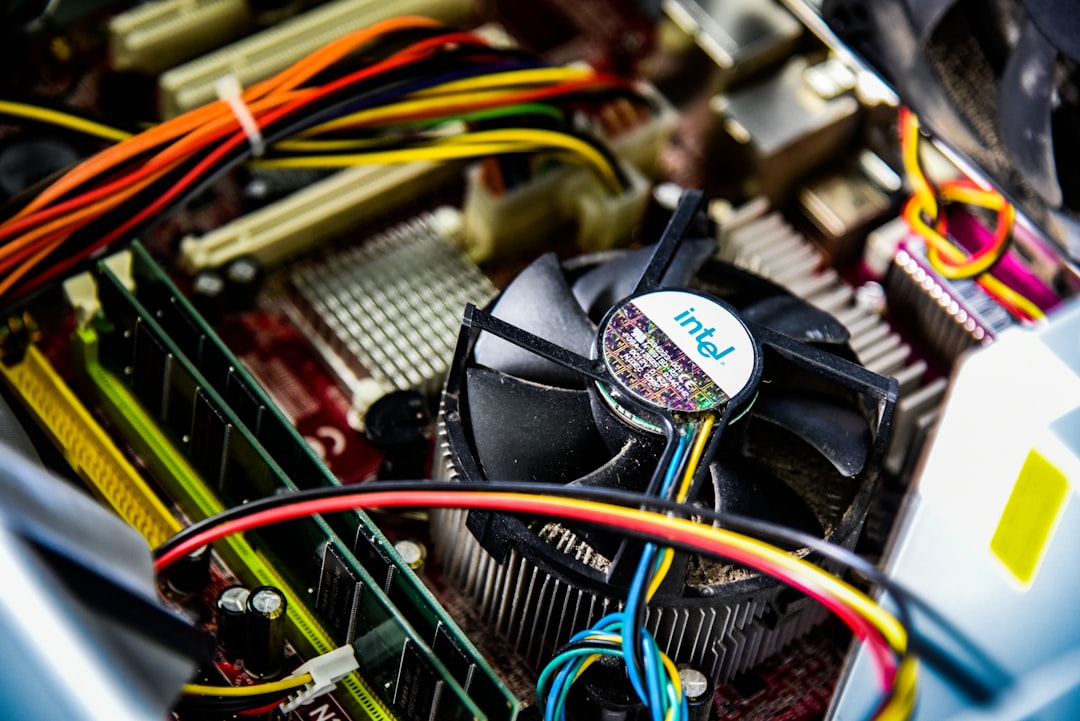
Your appliance motherboards are the brains of your operation, the intricate circuitry that governs everything from your refrigerator’s temperature to your washing machine’s spin cycle. Like any sensitive electronic component, they are susceptible to damage, and one particularly insidious threat is steam. Whether from a malfunctioning appliance or environmental factors, prolonged exposure to moisture, especially in the form of fine vapor, can wreak havoc on these delicate boards. This guide will equip you with the knowledge and practical strategies to protect your appliance motherboards from the corrosive and conductive nature of steam.
Before you can effectively protect your motherboards, it’s crucial to grasp why steam is so detrimental. Steam, unlike liquid water, is a finely dispersed form of moisture that can penetrate tiny crevices and find its way into areas where bulk water would struggle to reach. This makes it a more insidious threat.
The Corrosive Nature of Steam
Even seemingly pure water contains dissolved minerals and impurities. When steam condenses on electronic components, these impurities are left behind. Over time, this residue can lead to corrosion, particularly on delicate metal contacts and traces on the motherboard.
Electrolytic Corrosion
This is a chemical process where moisture acts as an electrolyte, facilitating the transfer of ions between different metals. This can occur between the copper traces on the circuit board and the solder joints or leaded components. The resulting corrosion weakens connections, degrades conductivity, and can eventually lead to component failure.
Oxidation
While less immediate than electrolytic corrosion, prolonged exposure to moisture can also accelerate the oxidation of metal surfaces. This forms an insulating layer, hindering electrical flow and contributing to poor performance or complete failure of specific circuits.
The Conductive Menace of Moisture
Even without significant corrosion, the presence of moisture on a motherboard creates unintended electrical pathways. This is where the real danger lies in terms of immediate damage.
Short Circuits
When water, or condensed steam, forms a bridge between two or more conductive points on the motherboard that are not meant to be connected, a short circuit occurs. This can draw excessive current, leading to overheating of specific components, the burning out of fuses, or even catastrophic damage to integrated circuits.
Component Degradation from Overcurrent
Even if a full short circuit doesn’t immediately fry a component, the repeated flow of unintended current can stress and degrade sensitive electronic parts over time. This can manifest as intermittent failures or a shortened lifespan for various chips and transistors.
The Impact of Repeated Cycles
It’s not just a single incident of steam exposure that you need to worry about. Repeated cycles of condensation and evaporation can exacerbate the damage.
Thermal Cycling and Expansion
As steam condenses and then evaporates, the temperature of the motherboard fluctuates. This repeated thermal cycling can cause microscopic expansion and contraction of solder joints and components, leading to mechanical stress and eventual solder joint fatigue or cracks.
Salt Buildup from Distilled Water
Even if you’re using distilled water in an appliance, it’s not entirely devoid of impurities. Over time, as water evaporates, dissolved salts and minerals can accumulate on the motherboard, increasing conductivity and the risk of corrosion.
To effectively protect appliance motherboards from steam damage, it’s essential to implement preventive measures that can significantly extend the lifespan of your appliances. For more detailed insights and tips on safeguarding your devices, you can refer to this informative article on steam protection strategies available at Hey Did You Know This. By following the recommendations outlined in the article, you can ensure that your appliances remain functional and free from moisture-related issues.
Identifying Potential Steam Sources
Before implementing protective measures, you must first identify where steam is likely to originate and come into contact with your appliance motherboards. This requires a systematic assessment of your appliances and their operating environments.
Internal Appliance Vents and Seals
Many appliances, particularly those involving heating or water, have internal ventilation systems. If seals around these vents are compromised, or if the appliance is designed in a way that allows steam to escape internally, it can reach the motherboard.
Washing Machines and Dryers
These appliances are prime candidates due to their direct use of water and heat. Leaky door seals, damaged internal hoses, or faulty heating elements can all release steam into the chassis.
Drum Seals and Gaskets
Inspect the rubber seals around the washing machine drum and dryer door for any tears or signs of wear. These are critical barriers against moisture escaping into the main housing.
Venting Systems
For dryers, ensure the external vent hose is clear and securely attached. Internal dryer vents, if present, should also be inspected for blockages or damage.
Dishwashers
Similar to washing machines, dishwashers use hot water and steam. Faulty door seals, cracked spray arms, or cracked internal tubing can all lead to steam ingress.
Door Gaskets and Interlocks
Check the dishwasher door gasket for a tight seal. The door interlock mechanism also needs to function correctly to ensure a secure closure.
Spray Arms and Water Feeds
Inspect spray arms for cracks and ensure water feed hoses are not leaking.
Refrigerators with Ice Makers/Water Dispensers
While not as obvious as laundry appliances, refrigerators with ice makers and water dispensers can still be a source of moisture. Leaks in the ice maker mechanism or the water reservoir can lead to condensation.
Water Inlet Valves
These valves can fail, causing a continuous drip that leads to increased humidity within the appliance.
Drain Lines
Blocked drain lines can cause water to back up and potentially evaporate, creating steam.
External Environmental Factors
Beyond the appliance itself, the surrounding environment can also contribute to steam damage.
High Humidity Rooms
Appliances located in perpetually humid environments, such as bathrooms or poorly ventilated kitchens, are more susceptible to internal condensation.
Natural Condensation in Humid Climates
In regions with naturally high humidity, even well-sealed appliances can experience condensation on internal components as air cools.
Poorly Ventilated Enclosures
If an appliance is installed within a confined space without adequate airflow, any moisture generated internally will have nowhere to escape, leading to increased humidity.
Nearby Water Sources
The proximity of an appliance to a shower, bath, or even a leaky pipe can increase the risk of steam or moisture exposure.
Steam from Showers/Baths
If an appliance is located in close proximity to a frequently used shower or bath, steam from the bathroom can permeate the appliance’s housing.
Leaking Pipes and Plumbing
A slow, constant leak from nearby plumbing can create a persistently damp environment around an appliance.
Implementing Physical Barriers and Protection
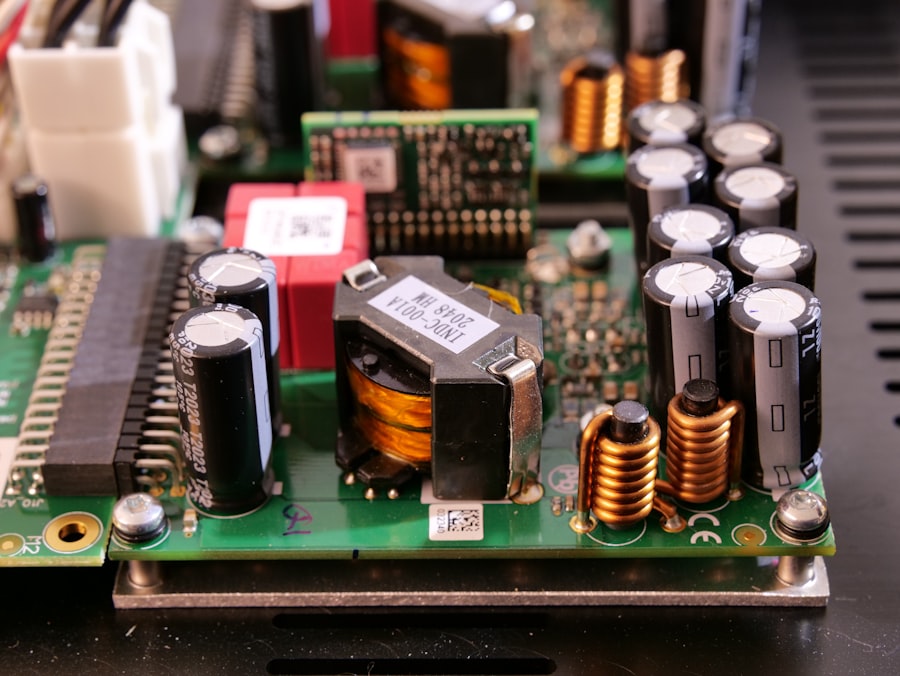
Once you’ve identified potential steam sources, the next step is to implement physical barriers to prevent moisture from reaching your motherboards. This involves both modifications to the appliance itself and strategic placement.
Sealing and Enclosing Vulnerable Areas
For many appliances, the most effective protection involves creating a sealed environment for the motherboard.
Using Moisture-Resistant Enclosures
Invest in purpose-built, water-resistant enclosures if the design of your appliance allows for it. These are typically made from robust plastics or metal and are designed to keep out environmental contaminants.
Gasketed Lids and Access Panels
Ensure any enclosure you use has a well-fitting gasket to create a tight seal. Access panels should also be designed with similar sealing mechanisms.
Cable Entry Points
Pay close attention to how cables enter the enclosure. Use cable glands or grommets designed to prevent moisture ingress.
Applying Protective Coatings
For less severe situations, or as an additional layer of defense, applying protective coatings to the motherboard can be beneficial.
Conformal Coatings
These are specialized coatings designed to protect printed circuit boards from environmental factors like moisture, dust, and chemicals. They form a flexible, insulating layer over the entire board.
Types of Conformal Coatings
- Acrylic: Offers good moisture resistance and is easy to apply and remove.
- Silicone: Provides excellent flexibility and resistance to a wide range of temperatures and humidity.
- Urethane: Offers superior chemical and moisture resistance but can be harder to remove.
- Epoxy: Provides the hardest and most durable coating but is also the most difficult to remove.
Application Tips
- Ensure the motherboard is thoroughly cleaned and free of dust and debris before application.
- Apply in a well-ventilated area.
- Follow the manufacturer’s instructions carefully regarding application thickness and curing times.
Sealing Gaps and Cracks in Appliance Casings
Even small gaps in the appliance’s exterior can allow steam to enter. Seal these meticulously.
Silicone Sealants
High-quality, heat-resistant silicone sealants are excellent for sealing gaps around panels, vents, and cable entry points.
Epoxy Putties
For larger cracks or structural gaps, epoxy putties can provide a durable and waterproof seal.
Strategic Appliance Placement
Where you place your appliances can significantly impact their exposure to steam.
Avoiding High-Humidity Zones
Wherever possible, position appliances away from direct sources of steam and high humidity.
Moving Appliances from Bathrooms/Showers
If an appliance is in a bathroom, consider relocating it to a drier area if feasible.
Ensuring Adequate Ventilation Around Appliances
Don’t crowd appliances together. Leave sufficient space around them to allow for free air circulation, which helps dissipate any internal moisture.
Protecting Appliances Near Water Sources
If relocation isn’t an option, take extra precautions for appliances located near sinks, showers, or plumbing.
Installing Splash Guards
In kitchens or laundry rooms, consider installing splash guards or partitions to create a physical barrier between the appliance and potential water splashes or steam.
Considering Appliance Covers
For appliances that are particularly susceptible and in vulnerable locations, consider using custom-fit appliance covers, especially when not in use. Ensure these covers allow for adequate ventilation to prevent moisture buildup underneath.
Post-Exposure Mitigation and Maintenance
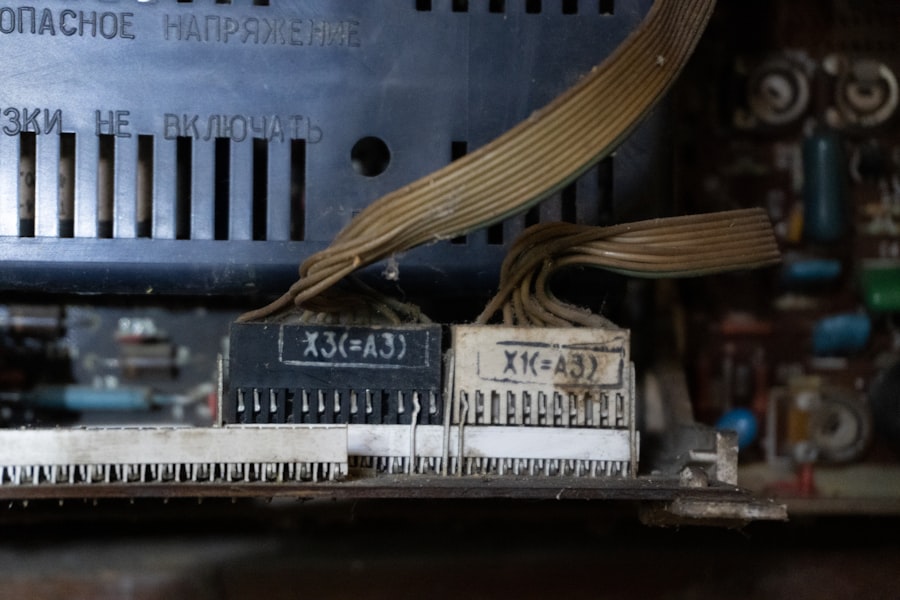
Even with the best preventative measures, accidents can happen. Knowing how to respond and conduct regular maintenance is crucial for minimizing damage.
Immediate Steps After Potential Exposure
If you suspect your appliance’s motherboard has been exposed to steam, prompt action is critical.
Powering Down Immediately
The very first and most important step is to immediately disconnect the appliance from the power source. This prevents any electrical current from flowing through potentially wet components, thereby preventing short circuits.
Unplugging the Appliance
Physically unplug the appliance from the wall socket. Do not rely on internal circuit breakers as a sole means of Disconnecting power.
Tripping the Circuit Breaker
As an additional safety measure, locate the relevant circuit breaker in your electrical panel and switch it off.
Allowing for Thorough Drying
Patience is key. Improper or rushed drying can lead to more damage than the initial exposure.
Air Drying
The most passive and often the safest method is to allow the appliance to air dry in a warm, well-ventilated area. Open all doors and panels to maximize airflow.
Using Desiccants
Desiccant packets (like silica gel) can be placed inside the appliance to absorb residual moisture. These are particularly useful if air drying is slow due to ambient humidity.
How Desiccants Work
Desiccants are materials that attract and absorb moisture from the air through a process called adsorption. They essentially create a localized dry environment.
Strategic Placement of Desiccants
Place desiccant packets directly on or around the motherboard, and in other enclosed spaces within the appliance where moisture might linger. Replace or “recharge” them if they become saturated.
Professional Inspection and Cleaning
For valuable or complex appliances, professional intervention might be necessary.
Expert Assessment of Damage
A qualified technician can assess the extent of the damage and determine if repairs are feasible.
Specialized Cleaning Techniques
Technicians use specialized cleaning solutions and tools to safely remove any residue left by moisture, preventing future corrosion.
Regular Maintenance and Inspection
Proactive maintenance is your best defense against long-term steam damage.
Routine Cleaning of Appliance Interiors
Make a habit of cleaning the interior of your appliances regularly. This includes wiping down surfaces and ensuring there are no standing water or damp spots.
Addressing Condensation Buildup
If you notice condensation forming inside the appliance, investigate the cause and implement corrective measures. This might involve checking seals, vents, or the appliance’s operating temperature.
Checking Seals and Gaskets for Wear
Regularly inspect all seals and gaskets for tears, cracks, or signs of deterioration. Replace them promptly if any damage is found.
Material Degradation and its Impact
Over time, rubber and plastic seals can degrade due to heat and exposure to cleaning agents. This makes them less effective at preventing moisture ingress.
Ensuring Proper Ventilation
Always ensure that appliance ventilation slots are not blocked by debris, dust, or other objects. Blocked vents can trap moisture and contribute to overheating.
To ensure the longevity of your appliances, it’s crucial to protect their motherboards from steam damage, which can lead to costly repairs or replacements. One effective strategy is to install moisture barriers and ensure proper ventilation in areas prone to high humidity. For more detailed tips on safeguarding your appliances, you can refer to this informative article that covers various protective measures. By implementing these strategies, you can significantly reduce the risk of steam-related issues and maintain your appliances in optimal condition. For further insights, check out this article.
Advanced Protection and Future-Proofing
| Methods | Effectiveness |
|---|---|
| Enclosure with gasket seals | High |
| Coating with conformal coating | Medium |
| Using waterproof connectors | High |
| Proper ventilation and airflow | Low |
For those seeking the highest level of protection, or for valuable appliances, there are more advanced strategies to consider.
Utilizing Waterproofing Materials
Beyond basic sealants, specialized waterproofing materials can offer superior protection.
Waterproofing Sprays and Gels
These products create an impermeable barrier over the motherboard and its components. They are often used by electronics enthusiasts for waterproofing hobbyist projects.
Application Considerations
- Ensure compatibility with the electronic components. Some harsh chemicals can damage certain plastics or solders.
- Apply in thin, even layers to avoid compromising heat dissipation from components.
Installing Internal Humidity Sensors
For critical appliances, consider installing small, inexpensive humidity sensors inside the appliance casing.
Monitoring Internal Conditions
These sensors can provide early warnings of elevated humidity levels, allowing you to investigate potential issues before damage occurs.
Integration with Alert Systems (Optional)
For the truly proactive, these sensors could potentially be integrated with smart home systems to trigger alerts on your phone.
Appliance Upgrade and Replacement Strategies
Sometimes, the most effective long-term solution is to choose appliances that are inherently better designed to resist moisture.
Selecting Appliances with Enhanced Sealing
When purchasing new appliances, pay close attention to their sealing mechanisms and overall construction quality. Look for models designed with robust gaskets and internal airflow management.
Researching Manufacturer Specifications
Consult product manuals and manufacturer websites to understand the ingress protection (IP) ratings or other sealing features of appliances.
Considering Dedicated Appliance Rooms
If your home layout allows, consider dedicating a specific room for appliances that generate significant moisture, such as laundry appliances. This room should be well-ventilated and ideally have a floor drain.
Optimizing Ventilation in Appliance Rooms
Ensure adequate exhaust fans and general room ventilation to rapidly remove any steam generated.
Long-Term Cost-Benefit Analysis
While initial protection measures might seem like an added expense, consider the cost of repairing or replacing a damaged motherboard. Investing in preventative measures can save you significant money in the long run.
Calculating Potential Repair Costs
Research the typical cost of motherboard repair or replacement for your specific appliance models.
Evaluating the lifespan extension from protective measures
Consider how much longer your appliance might last with a protected motherboard, thereby delaying the need for a full appliance replacement.
By understanding the threat, identifying the sources, implementing practical protective measures, practicing diligent maintenance, and considering advanced strategies, you can significantly extend the lifespan and reliability of your appliance motherboards, ensuring they continue to function optimally for years to come.
FAQs
1. What are the potential risks of steam damage to appliance motherboards?
Steam can cause short circuits and corrosion on the delicate components of appliance motherboards, leading to malfunctions or complete failure of the appliance.
2. How can appliance motherboards be protected from steam damage?
Appliance motherboards can be protected from steam damage by ensuring that the appliance is placed away from sources of steam, such as stovetops or steam-producing appliances. Additionally, using protective covers or enclosures can help prevent direct exposure to steam.
3. Are there any specific maintenance tips to prevent steam damage to appliance motherboards?
Regularly cleaning and inspecting the appliance for any signs of steam damage, such as corrosion or water residue, can help prevent long-term damage to the motherboard. Additionally, ensuring proper ventilation and airflow around the appliance can help reduce the buildup of steam.
4. Can using a dehumidifier help protect appliance motherboards from steam damage?
Using a dehumidifier in the area where the appliance is located can help reduce the overall humidity and moisture levels, which can in turn help prevent steam damage to the appliance motherboard.
5. What should be done if an appliance motherboard has already been exposed to steam?
If an appliance motherboard has been exposed to steam, it is important to immediately power off the appliance and unplug it from the electrical outlet. The motherboard should then be thoroughly dried and inspected for any signs of damage before attempting to power on the appliance again. If there is any suspicion of damage, it is best to consult a professional technician for further assessment and repair.